


If you’ve ever lost track of a hot lead in a messy spreadsheet or a crowded inbox, you already understand the problem a CRM solves. So what is a CRM system? A Customer Relationship Management (CRM) system is software that organizes every interaction you have with leads and customers, from first contact to closed deal and beyond, into one connected record. Instead of scattered notes, sticky reminders, and guesswork, you get a single source of truth for your entire customer relationship.
For small business owners juggling marketing, sales, and operations, a CRM isn’t a “nice to have.” It’s the infrastructure that turns scattered activity into a scalable growth system.
Why Small Businesses Need a CRM System
Small businesses need a CRM system because growth without structure creates chaos, not momentum. As lead volume increases, relying on memory, email threads, and disconnected tools guarantees dropped follow-ups and lost revenue. A CRM replaces that fragility with a repeatable, trackable process.
Consider a founder generating leads from a website, social media, referrals, and paid ads. Without a CRM, each channel lives in its own silo. With one, every lead lands in the same pipeline, tagged by source, stage, and next action. Less noise. More momentum.
This matters most for businesses that are actively marketing but not seeing proportional results. Often, the issue isn’t lead generation, it’s lead management. A well-structured funnel and automation system ensures the leads you’re already generating don’t slip through the cracks.
What Does a CRM System Actually Do?
A CRM system tracks, organizes, and automates every touchpoint in the customer journey, from initial inquiry to post-sale follow-up. At its core, it answers three questions in real time: Who is this contact? Where are they in the buying process? What needs to happen next?
Core Functions of a CRM
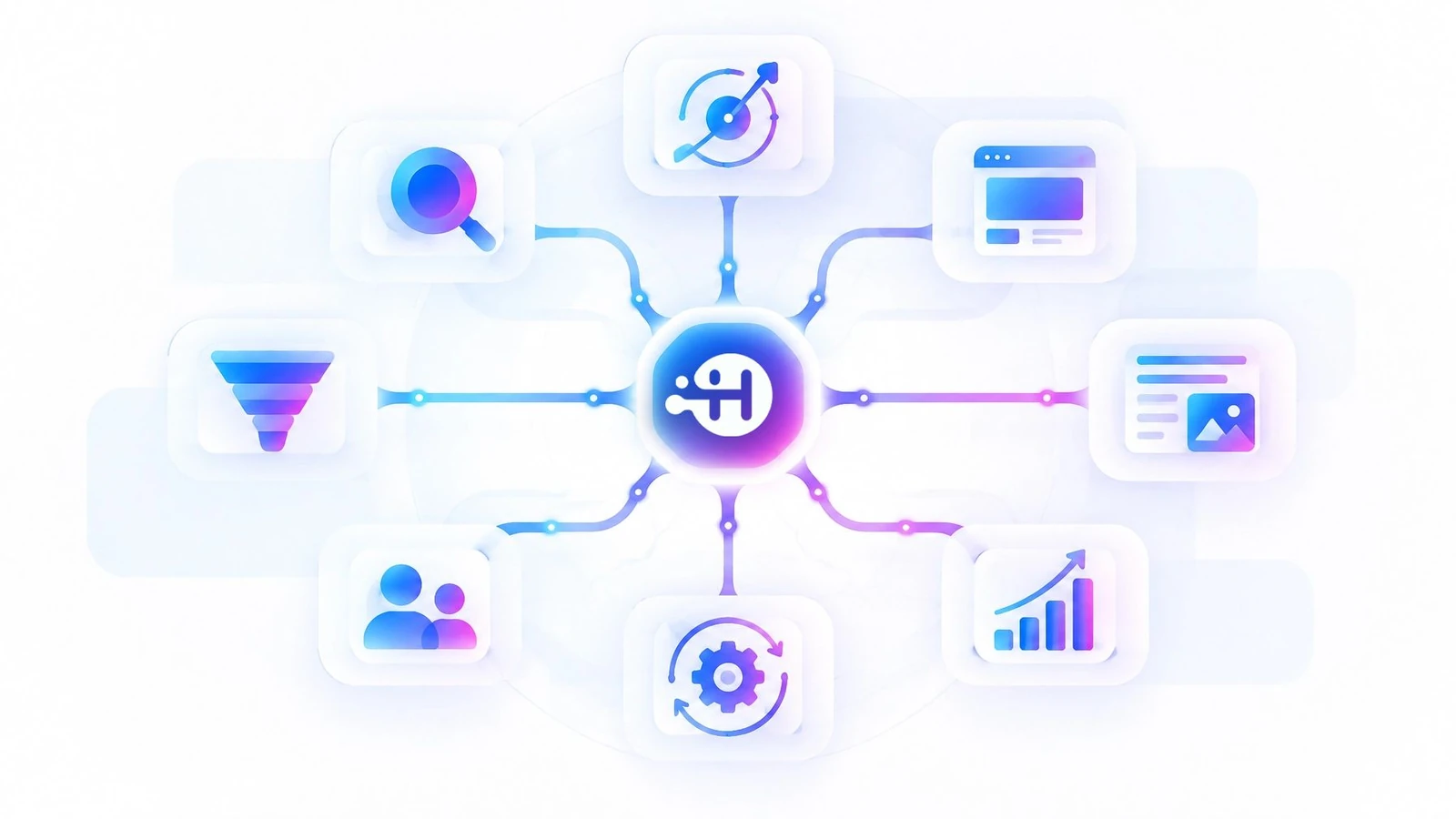
The essential functions of a CRM system are contact management, pipeline tracking, communication logging, and automated follow-up. Together, these functions eliminate the manual guesswork that slows small teams down.
- Contact management: Every lead and customer detail lives in one profile, not scattered across inboxes and notebooks.
- Pipeline tracking: Visual stages show exactly where each opportunity stands, from “new lead” to “closed won.”
- Communication history: Every email, call, and message is logged, so anyone on the team has full context instantly.
- Automation: Follow-up emails, reminders, and task assignments happen automatically, based on triggers you define.
- Reporting and forecasting: Dashboards show conversion rates, average deal size, and pipeline velocity, so decisions are based on real numbers instead of hunches.
CRM vs. a Spreadsheet or Inbox
A CRM differs from a spreadsheet in that it automates action, while a spreadsheet only stores data. Spreadsheets are static. They can hold names and notes, but they can’t send a follow-up email, alert your team to a stalled deal, or update a lead’s status based on their behavior. A CRM is dynamic infrastructure, not a filing cabinet.
There’s also a durability problem with spreadsheets and inboxes that’s easy to overlook until it causes damage. When a salesperson leaves, their inbox often leaves with them, along with every unsaved note, half-remembered promise, and context about where a deal actually stood. A CRM stores that history at the account level, not the individual level, so institutional knowledge survives staff turnover instead of walking out the door.
Key Benefits of Using a CRM System
The main benefit of a CRM system is that it prevents revenue loss by making sure no lead or follow-up falls through the cracks. Beyond that immediate win, a CRM compounds value across marketing, sales, and customer retention.
Consistent Follow-Up Without Manual Effort
A CRM ensures consistent follow-up by automating reminders and messages based on where a lead sits in your pipeline. Instead of relying on a team member to remember to reach out on day three, day seven, and day fourteen, the system triggers it automatically. This is especially valuable for small teams without a dedicated sales operations person.
Clearer Visibility Into Your Sales Pipeline
A CRM gives business owners real-time visibility into exactly how many deals are active, stalled, or close to closing. Rather than asking your team for a status update, you can see pipeline health at a glance. This clarity is what allows founders to make confident decisions about staffing, ad spend, and forecasting, instead of operating on gut feeling.
Stronger, More Personalized Customer Relationships
A CRM strengthens customer relationships by giving your team full context on every interaction before they respond. When a customer calls in, whoever picks up can see their full history, past purchases, previous conversations, and outstanding issues, without asking them to repeat themselves. That continuity builds trust and makes your business feel more organized than it might actually be behind the scenes.
Better Alignment Between Marketing and Sales
A CRM also closes the gap between marketing and sales, two functions that often operate with completely different information. Without shared visibility, marketing might keep spending on a channel that generates leads no one is closing, while sales blames marketing for “bad leads” that were simply never followed up on. A CRM gives both teams the same data, so conversations shift from finger-pointing to fixing the actual bottleneck.
Common Signs Your Business Needs a CRM
The clearest sign a business needs a CRM is when leads are being lost or forgotten simply because no formal system tracks them. If any of the following sound familiar, it’s time to move past spreadsheets and inboxes.

- Leads sit unanswered because no one owns the follow-up.
- Your team can’t quickly answer “how many active deals do we have right now?”
- Customer information lives in multiple disconnected tools.
- Follow-up is inconsistent and depends on who remembers to do it.
- You’ve grown past the point where one person can track everything manually.
These are exactly the fragmentation problems we see most often with growing brands, marketing activity is happening, but there’s no unifying system pulling it together into measurable results.
Choosing and Setting Up the Right CRM
Choosing the right CRM comes down to matching the tool’s complexity to your actual sales process, not chasing the platform with the most features. A CRM that’s too complex creates adoption problems. One that’s too simple can’t scale with you.
What to Look for in a CRM System
The most important factors when choosing a CRM are ease of use, automation capability, and integration with your existing marketing tools. A CRM that your team won’t actually use, because it’s clunky or overbuilt, provides zero value regardless of its feature list.
Prioritize platforms that connect cleanly with your website, email, and advertising channels, so lead data flows in automatically rather than requiring manual entry. This is the same principle behind high-converting landing pages: the goal is to remove friction at every step, including the handoff between marketing and sales.
Common CRM Implementation Mistakes
The most common CRM mistake small businesses make is setting up the software but never building the automation and processes around it. A CRM without workflows is just an expensive contact list. True value comes from configuring pipelines, triggers, and follow-up sequences specific to how your business actually sells.
A close second mistake is importing years of messy contact data without cleaning it first, duplicate entries, outdated information, and dead leads clog the system from day one and undermine trust in the tool before it’s had a chance to prove its value. It’s worth spending a few hours deduplicating and segmenting your existing contacts before they ever touch the new platform.
This is where many businesses get stuck, and where a strategic partner often makes the difference between a CRM that gathers dust and one that actively drives revenue. If you’d rather have this built and optimized for you, our approach to CRM management is designed specifically to close that gap.
DIY vs. Partnering With an Expert
Whether to build your CRM yourself or bring in a specialist depends on your time, technical comfort, and how quickly you need results. DIY setup can work for very early-stage businesses with simple sales processes and the bandwidth to learn the platform. But for most growing teams, the hours spent configuring automations, mapping pipelines, and troubleshooting integrations are hours pulled away from actually running the business.
This is where a boutique, integrated approach pays off. Rather than juggling a CRM vendor, a web developer, and a marketing freelancer separately, working with one accountable partner means your website, funnels, and CRM operate as a single connected growth system, not three disconnected tools pretending to be one strategy. If you’re ready to stop patching things together, our full range of services covers exactly this kind of unified build.
Getting Started With a CRM: Practical First Steps
The fastest way to get started with a CRM is to map your current sales process before choosing software, then implement the CRM to match that process, not the other way around. Start by writing out every stage a lead moves through today, from first contact to closed deal, including who is responsible at each step.
Once that’s mapped, look for a platform that supports those exact stages, then build automation for the two or three follow-ups you most frequently forget to send manually. Small, focused automation beats an overbuilt system nobody maintains.
From there, resist the urge to automate everything at once. Roll out one pipeline and one or two automated sequences, confirm the team is actually using them consistently, and only then layer in more complexity. CRMs fail more often from overbuilt setups that intimidate the team than from being too simple on day one.
If this feels like more structure than your team has bandwidth to build internally, that’s precisely the kind of foundational work we handle for founders every day. Reach out to our team to talk through what a connected CRM and marketing system could look like for your business.
Frequently Asked Questions
What is a CRM system in simple terms?
A CRM system is software that stores and organizes every interaction you have with a lead or customer in one place, so your team always knows who they’re talking to and what to do next.
Is a CRM only useful for large companies?
No, small businesses often benefit the most from a CRM because they typically lack a dedicated sales operations team to manually track leads and follow-ups.
How much does a CRM system cost?
CRM pricing varies widely, from free basic tools to several hundred dollars a month for advanced platforms with automation, and cost usually scales with the number of users and features required.
Can a CRM replace my email marketing tool?
Some CRMs include built-in email marketing features, but many businesses use a CRM alongside a dedicated email platform, with the two systems integrated so data flows between them automatically.
How long does it take to set up a CRM?
Basic CRM setup can take a few days, but building out full automation, pipelines, and integrations tailored to your sales process typically takes several weeks when done properly.