

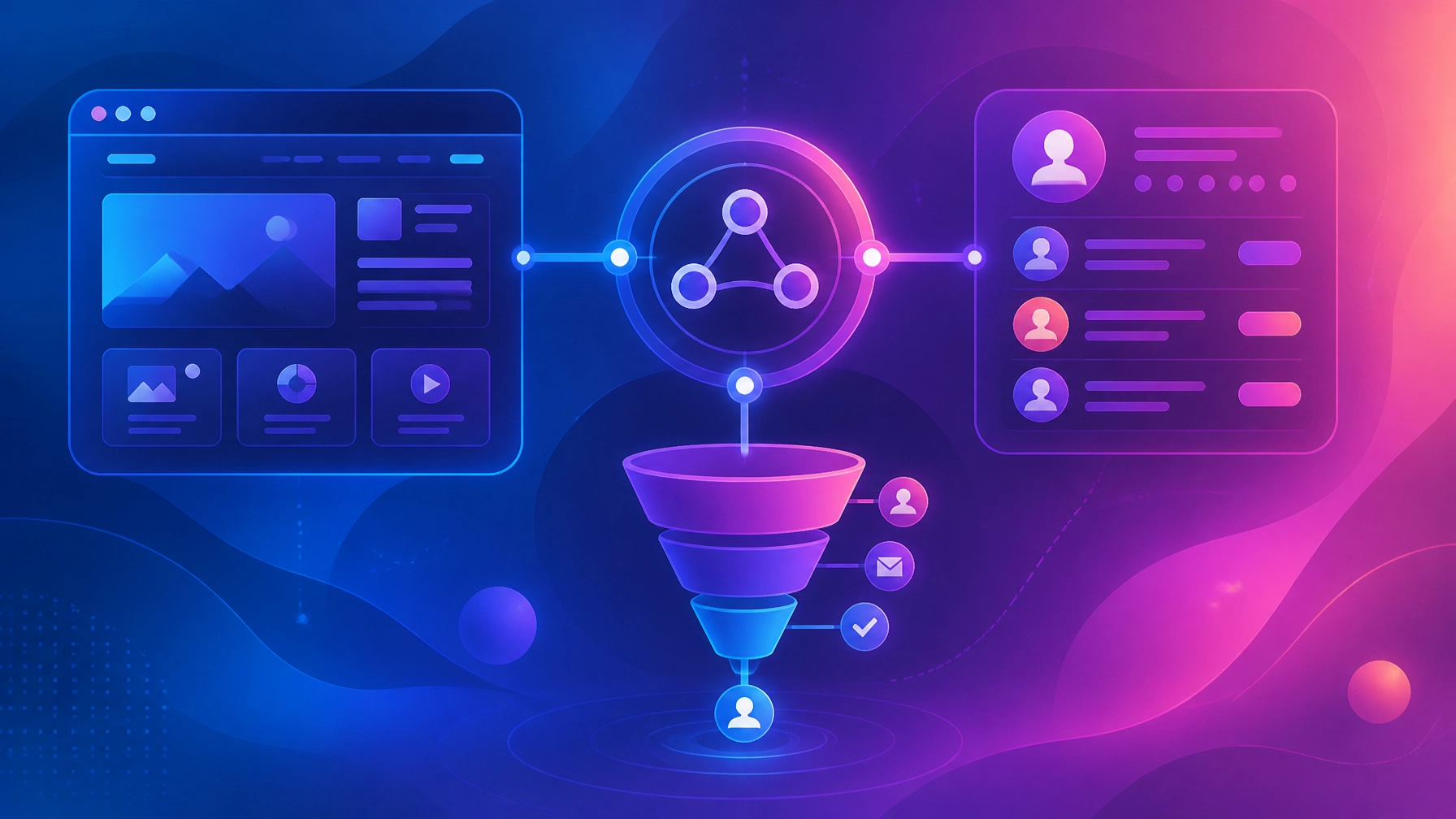

A connected marketing system brings your website, marketing funnels, CRM, automation, and reporting into one coordinated customer journey. Your website captures attention and leads. Your funnels guide people toward the next step. Your CRM stores the relationship and triggers follow-up. When these parts work together, fewer opportunities are lost between handoffs, and your team has a clearer view of what is happening from first visit to closed deal.
The goal is not to add more software. It is to create better alignment between the tools and processes you already depend on.
Why disconnected marketing systems fail
Disconnected marketing usually starts with reasonable decisions. One vendor builds the website. Another manages paid campaigns. A third sets up email automation. Someone on the team maintains a spreadsheet to track new leads.
Each part may function on its own. The system still underperforms.
The problem is often structural, not personal. Information is trapped in different platforms. Responsibilities are unclear. A form submission may send an email notification, but no CRM record is created. A lead may complete a funnel but never enter a follow-up sequence. Sales may receive a contact without knowing which offer, page, or campaign created the opportunity.
These gaps create familiar problems:
- New leads wait too long for a response.
- Sales and marketing use different definitions for a qualified lead.
- Customer information is duplicated across tools.
- Follow-up depends on memory.
- Campaign performance is difficult to connect to revenue.
- Visitors receive inconsistent messages across pages and emails.
The result is more activity with less visibility. You may be generating traffic and leads without creating a dependable path to conversion.
What a connected marketing system actually means
A connected marketing system is an operating structure in which each marketing component has a clear role and shares the information needed by the next component.
The website creates visibility and establishes trust. Funnels focus attention around a specific offer or conversion goal. The CRM becomes the central record for contacts, conversations, opportunities, and customer history. Marketing automation supports timely follow-up based on a person’s actions and stage.
The connection should feel simple from the customer’s perspective:
- A prospect finds your business through search, advertising, referral, or another channel.
- They visit a relevant page or landing page.
- They take a meaningful action, such as submitting a form or booking a call.
- Their information enters the CRM with the right source and context.
- The appropriate follow-up begins.
- Your team receives the information and task needed to respond.
- The contact moves through a clearly defined customer journey.
- Results are measured against qualified opportunities and revenue.
This is the foundation of effective CRM and marketing automation. The CRM is not simply a database. It is the shared infrastructure that helps your team understand what should happen next.
Start with the customer journey, not the software
Before connecting tools, map the journey you want to support.
Begin with the questions your system should answer:
- How does someone first discover your business?
- Which page or offer should they see next?
- What action indicates genuine interest?
- When does a contact become a qualified lead?
- Who owns the follow-up?
- What happens if the person is not ready to buy?
- How will you know whether the journey produced revenue?
This process is part of a broader marketing operations strategy. It helps you design the structure before configuring the technology.
A simple stage map might look like this:
| Customer journey stage | CRM stage | Primary responsibility |
|---|---|---|
| Awareness | New contact | Marketing |
| Consideration | Engaged lead | Marketing |
| Qualification | Marketing-qualified lead | Marketing and sales |
| Sales conversation | Sales-qualified lead | Sales |
| Proposal or decision | Opportunity | Sales |
| Purchase | Customer | Sales and customer success |
The exact labels can vary. What matters is that everyone uses the same definitions and understands what causes a contact to move forward.
Step-by-step integration of your website, funnels, CRM, and automation
1. Make the CRM the source of truth
Your CRM should hold the central record for every contact, lead, opportunity, and customer. Other platforms may collect or display information, but the CRM should provide the shared view your team relies on.
At a minimum, define fields for:
- Contact name and email
- Company or account
- Lead source
- Campaign or funnel
- Lifecycle stage
- Lead status
- Assigned owner
- Last activity
- Next action
- Opportunity value
Avoid allowing multiple systems to independently control the same field. Decide which platform owns each piece of information. This reduces conflicting updates and makes automation easier to troubleshoot.
2. Connect every website and funnel form
Every meaningful form submission should create or update a CRM record automatically.
That includes forms on your:
- Main website
- Service pages
- Landing pages
- Lead magnets
- Booking pages
- Quote or consultation forms
- Event registration pages
The form should pass more than a name and email address. Capture the context behind the conversion, including the page, offer, campaign, and relevant tracking parameters.
A website is more than a digital brochure. As explained in this guide to small business website design, it should create a clear next step and support the systems behind that action.
3. Map funnels to CRM stages
Your funnel stages and CRM stages should match closely enough that the customer journey remains visible after someone leaves the website.
For example:
- A visitor downloads a guide: new contact.
- A visitor requests a consultation: engaged lead.
- A prospect books a sales call: qualified lead.
- A proposal is sent: opportunity.
- A contract is signed: customer.
Define the action that moves a person between stages. That might be a form submission, booking, page visit, lead score, reply, or sales decision.
Do not rely on vague labels such as “hot,” “warm,” or “interested” unless your team has clear criteria for using them. Clear stages create consistent decisions.
4. Build automation around useful triggers
Automation should support a thoughtful customer journey, not simply send more messages.
Useful triggers may include:
- A new contact enters the CRM.
- A person submits a specific form.
- A lead books a consultation.
- A contact reaches a defined engagement threshold.
- A sales task remains incomplete.
- An opportunity has not moved for a set period.
- A customer completes a purchase.
A new lead might receive a confirmation email, a helpful resource, and a clear next step. A qualified lead might trigger an internal notification, an assigned task, and a relevant sales sequence.
Marketing automation should also write information back to the CRM. Email engagement, form activity, appointment status, and sequence completion can help your team understand the relationship without switching between several platforms.
5. Define the handoff between marketing and sales
A handoff is the point where responsibility changes. It should be designed, documented, and measured.
A strong handoff answers four questions:
- What qualifies a lead for sales?
- Who receives it?
- How quickly should they respond?
- What happens if there is no response?
For example, a lead may become sales-ready after requesting a consultation. The CRM can assign an owner, create a task, send an internal alert, and begin a confirmation sequence.
If the sales team does not make contact after a defined period, the system may create another reminder or return the lead to nurture. This creates a dependable process without removing human judgment.
Common marketing systems integration pitfalls
Connecting tools without defining the process
An integration can move data successfully while still supporting a confusing customer journey. Map the stages and responsibilities before building workflows.
Using inconsistent field values
If one platform uses “MQL” and another uses “Qualified,” reporting and automation can break. Standardize names, values, and definitions across the system.
Automating too much at once
A complex setup is difficult to test and maintain. Begin with the core lead path: form submission, CRM record creation, confirmation, internal notification, and follow-up.
Ignoring duplicate and incomplete data
Duplicate contacts create unreliable reporting and inconsistent communication. Clean existing records and establish rules for how new information is added.
Measuring activity instead of outcomes
Open rates and traffic can offer useful context, but they do not tell you whether the system is producing qualified opportunities. Connect activity to funnel movement, pipeline, and revenue wherever possible.
How to measure a connected marketing system
Measurement should show where people enter the system, where they move forward, and where progress slows.
Useful metrics include:
- Website visitor-to-lead conversion rate
- Funnel landing page conversion rate
- Lead-to-qualified-lead rate
- Qualified-lead-to-opportunity rate
- Opportunity-to-customer rate
- Time to first response
- Time spent in each funnel stage
- Qualified leads by source
- Pipeline value by campaign
- Customer acquisition cost
- Revenue influenced by each channel
Start with a simple attribution model. Capture the first source, the converting campaign, and the funnel or offer that created the opportunity. More advanced multi-touch attribution can come later if your data is reliable enough to support it.
Your SEO content strategy should also connect to this measurement layer. Organic content is more valuable when you can see not only which pages attract traffic, but which pages contribute to qualified conversations and revenue.
Build in phases
You do not need to rebuild every part of your marketing infrastructure at once.
A practical implementation sequence is:
- Audit your current website, funnels, CRM, and automation.
- Define the customer journey and shared stage names.
- Connect core forms to the CRM.
- Add source, campaign, and funnel tracking.
- Build basic confirmation and follow-up sequences.
- Automate qualified-lead notifications and task assignments.
- Add reporting for conversion rates and pipeline.
- Improve the system through regular review.
This approach creates progress without introducing unnecessary complexity.
A clearer path from visibility to growth
A website, funnel, CRM, and automation platform can each be useful on its own. Their value increases when they operate as one connected system.
Less duplication. Fewer missed handoffs. Clearer next steps.
The strongest marketing infrastructure gives your team shared visibility from the first interaction through the customer relationship. It also creates a foundation you can improve over time as your offers, campaigns, and business develop.
Holly Acre Media brings strategy, websites, funnels, SEO, content, CRM, and automation together under one connected approach. If your current marketing feels scattered or difficult to measure, contact the team to discuss a clearer path forward.
Frequently asked questions
What is marketing systems integration?
Marketing systems integration is the process of connecting your website, funnels, CRM, automation, analytics, and other marketing tools so information moves consistently through the customer journey.
Should the CRM be the center of a marketing system?
In most cases, yes. The CRM should act as the central record for contacts, lead stages, ownership, activity, and opportunities. Other platforms can support specific functions while writing important information back to the CRM.
How do website forms connect to a CRM?
Website forms connect to a CRM through native forms, embedded CRM forms, plugins, or reliable integrations. Each field should be mapped correctly, and the submission should include useful context such as source, campaign, and funnel.
What is the difference between a marketing funnel and a CRM pipeline?
A marketing funnel describes how a prospect moves from awareness toward action. A CRM pipeline tracks the status of contacts or sales opportunities within your internal process. They should be connected so customer activity in the funnel informs the appropriate CRM stage.
How long does it take to integrate a website, CRM, and funnels?
A basic integration may take several days. A complete system involving data cleanup, lifecycle mapping, automation, reporting, and testing can take several weeks depending on the number of tools and customer journeys involved.
What should you automate first?
Start with the most important and repeatable handoffs: creating CRM records from forms, sending confirmation messages, notifying the appropriate team member, assigning follow-up tasks, and re-engaging leads that have stalled.
How do you know whether the integration is working?
Look for faster response times, fewer dropped leads, cleaner customer records, clearer ownership, stronger conversion between stages, and better visibility into qualified opportunities and revenue.