

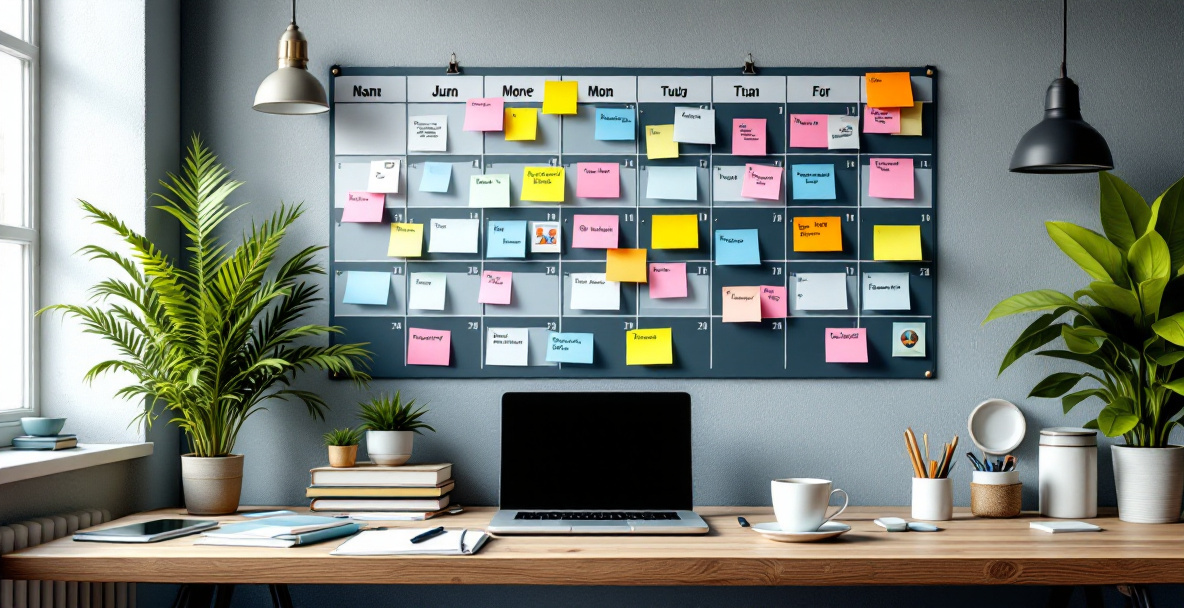

A content calendar for social media is a planning document that maps out what you’ll post, where, and when, typically organized by week or month across platforms. It sticks when it’s built around your actual capacity and business goals rather than borrowed templates. The strongest calendars combine a repeatable content mix, a realistic cadence, and a review rhythm that keeps the plan alive instead of abandoned by week three.
Most calendars fail not because the spreadsheet is wrong, but because nobody built in the maintenance. Below is a practical framework for building one that holds up past the first month, along with the structural pieces that make it worth the effort.
Why do most social media content calendars fall apart?
Most calendars fall apart because they’re built for an ideal week that never actually happens. A founder blocks out three months of daily posts, misses two days in week one, and the whole structure collapses because there’s no buffer or review process to absorb the miss.
The second common failure is planning content without a purpose behind each post. If every entry on the calendar is just “post something,” there’s no way to tell if it’s working, and no reason to keep prioritizing it when things get busy. A calendar that ties each post to a goal, whether that’s awareness, engagement, or driving traffic to a landing page, gives you a reason to protect the time even when the week gets chaotic.
What should a content calendar for social media actually include?
A working content calendar needs five core elements: publish dates, platform, content type, the goal or funnel stage each post serves, and a status column to track where it is in production. Without all five, you end up with a list of ideas rather than an operational tool.
Here’s what each element does:
- Publish date and time: Anchors the plan to a real cadence instead of “whenever we get to it.”
- Platform: Not every post belongs on every channel. Note where each piece is going so formatting and tone match the platform.
- Content type: Video, carousel, static image, text post, or story. Mixing types keeps the feed from feeling repetitive.
- Purpose or funnel stage: Is this post building awareness, nurturing an existing audience, or pushing toward a conversion? Tagging this makes it easy to audit balance later.
- Status: Idea, drafted, approved, scheduled, published. This is what turns a calendar from a wish list into a workflow.
Tools like Notion and Asana offer ready-made templates that already include these fields, which is a faster starting point than building a tracker from scratch.
How do you actually build a content calendar for social media?
Building a content calendar for social media that lasts comes down to five steps: audit what’s already working, set a realistic cadence, define recurring content pillars, batch production, and schedule a recurring review. Skip the review step and even a well-designed calendar quietly stops being followed within a few weeks.
Step 1: Audit what’s already working
Before adding anything new, look back at your last two or three months of posts. Note which formats got the most engagement, which topics your audience actually responded to, and which posts drove traffic or replies rather than just impressions. This audit becomes the backbone of your new calendar instead of starting from a blank page.
Step 2: Set a cadence you can actually sustain
Pick a posting frequency based on your team’s real bandwidth, not an industry benchmark you found somewhere. A business posting three times a week consistently will outperform one posting daily for two weeks and then going silent for a month. Consistency is the variable platforms and audiences respond to, not raw volume.
Step 3: Define your content pillars
Content pillars are the three to five recurring themes your brand posts about, such as behind-the-scenes, customer stories, educational tips, and product updates. Pillars remove the “what do we post today” decision fatigue because every slot on the calendar already has a lane to fill.
Step 4: Batch your content production
Instead of creating one post at a time, set aside a block of time weekly or biweekly to draft, design, and queue several posts at once. Batching reduces the daily friction that causes calendars to get skipped and makes it far easier to keep a consistent visual and voice across posts.
Step 5: Build in a recurring review
Set a recurring 30-minute check-in, weekly or biweekly, to see what published, what got pushed, and what needs to be adjusted for the coming week. This is the step most businesses skip, and it’s the single biggest reason calendars stop being used after the first month.
What’s the ideal posting frequency for social media?
There’s no universal “ideal” number, but a sustainable starting point for most small businesses is three to five posts per week per primary platform, adjusted based on what your team can realistically maintain. Frequency matters less than consistency; a predictable rhythm your audience can expect from you builds more trust than sporadic bursts of high volume.
If you’re just getting started, it’s better to commit to two solid posts a week that you never miss than five posts a week that dry up after the first month. You can always increase frequency once the habit and workflow are proven.
Should you use a spreadsheet or a dedicated tool?
Either works, and the right choice depends on your team size and how visual your review process needs to be. A simple spreadsheet is enough for a solo founder or a two-person team, while a dedicated tool becomes worth it once multiple people are drafting, approving, and scheduling content.
Free options like the Adobe Express content scheduler let you plan and design in one place, which cuts down on the back-and-forth between a spreadsheet and a separate design tool. If your process is mostly about visibility and accountability across a team, project management tools like Asana or Notion tend to handle the collaboration side more smoothly than a shared spreadsheet ever will.
How do you keep a content calendar from going stale?
A calendar stays fresh when it’s revisited on a set schedule and adjusted based on real performance, not left to run on autopilot for months. Build a quarterly review into your process where you look at which pillars are still resonating, which formats have fatigued, and whether your goals have shifted enough to warrant new content categories.

It also helps to leave open slots rather than filling every single day months in advance. A calendar that’s 80% planned and 20% flexible can respond to trending topics, timely announcements, or a post that unexpectedly performs well and deserves a follow-up.
When does it make sense to bring in outside help?
It makes sense to bring in outside help once managing the calendar starts eating time that should go toward running the business, or when content isn’t translating into measurable traffic or leads despite consistent posting. At that point, the constraint usually isn’t the calendar itself, but a lack of connected strategy tying social content to the rest of your marketing, like your website, email nurture, or CRM follow-up.
This is where a lot of businesses hit a wall. Social posts go out on schedule, but there’s no system pulling that engagement into a funnel, so the effort produces likes without producing leads. If that sounds familiar, it’s worth looking at content and blog creation support as part of a broader growth system rather than treating social media as an isolated task.
How does a content calendar fit into a bigger marketing strategy?
A content calendar works best as one piece of a connected system, not a standalone task sitting apart from your website, email, and CRM. Posts that drive traffic somewhere with no clear next step, like a landing page or an automated follow-up, waste the attention they earn.
If your social content already gets engagement but rarely converts, the gap is usually downstream of the calendar itself. Holly Acre Media builds marketing systems that connect your website, CRM, and funnels so that content like this actually has somewhere productive to send people, rather than ending at a comment or a like.
Frequently Asked Questions
How far in advance should I plan my social media content calendar?
Plan four to six weeks ahead for most small businesses. This gives enough runway to batch production and review performance, while still leaving room to react to timely trends or announcements without scrapping the whole plan.
What’s the difference between a content calendar and a posting schedule?
A content calendar includes the strategy behind each post, like its purpose, format, and pillar, while a posting schedule is simply the dates and times content goes live. A posting schedule alone tells you when to publish; a full calendar tells you why you’re publishing it.
How many content pillars should a small business have?
Three to five pillars is typically enough. Fewer than three tends to feel repetitive quickly, while more than five makes it hard to keep each theme consistent enough for your audience to recognize.
Do I need a different content calendar for each social platform?
Not necessarily a separate calendar, but you do need platform-specific notes within one master calendar. A single tracker with a platform column works fine for most small teams, as long as content is adapted rather than copy-pasted identically across channels.
What tools can help manage a content calendar without a big budget?
Free templates from tools like Notion or Asana, along with resources like Worcester State University’s calendar guide, are enough to get a solid system running before you ever need to pay for dedicated software.